
How Loofah works
Loofah is a free, local-first Mac app for notes and meeting transcription. It records your microphone and system audio without sending a bot into the call, transcribes on your Mac, and saves your notes as ordinary Markdown files on your local filesystem wherever possible.
Signed & notarized
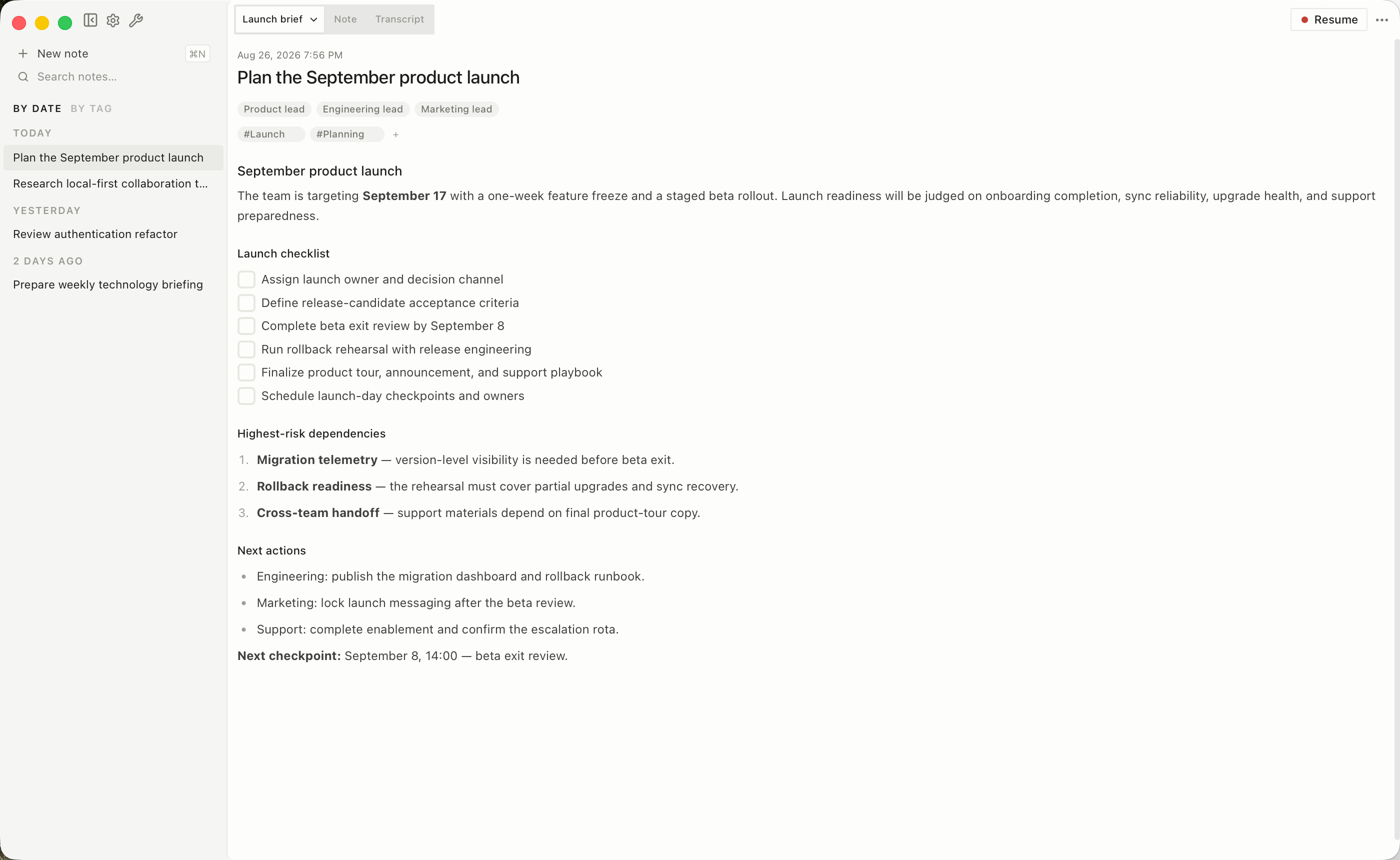
Loofah started as the meeting notetaker I wanted: local transcription, ordinary files, and no service getting between me and my notes. It has since become the place where I keep more of my working knowledge.
A session can begin with a recording, an imported transcript, something you type, or Markdown an agent saves through the CLI. Keep meeting notes, standalone notes, project context, and research in one searchable vault. Agents can add to notes, tag them, and attach source files without poking around in the vault internals.
There is no account, subscription, cloud backend, or telemetry. Your vault stays on your Mac and remains useful without Loofah. Generated summaries are optional; connect your own hosted provider or run a local model.
Common questions
Section titled “Common questions”A meeting workflow
Section titled “A meeting workflow”- Create a note.
- Click Record.
- Write anything you want to remember in Memos.
- Click Stop listening and review the transcript.
- If you configured Intelligence, review the generated summary.
For work that does not start with a meeting, create a standalone note in the app or ask an agent to store its result with loof sessions new. See Notes and knowledge and Agent access.